
Instant Identity Sharing with NFC Business Cards
NFC business cards share contact information with a single tap. Each card contains a small, passive NFC chip that operates without a battery. When held near a compatible smartphone, the phone’s field powers the chip and reads its data.
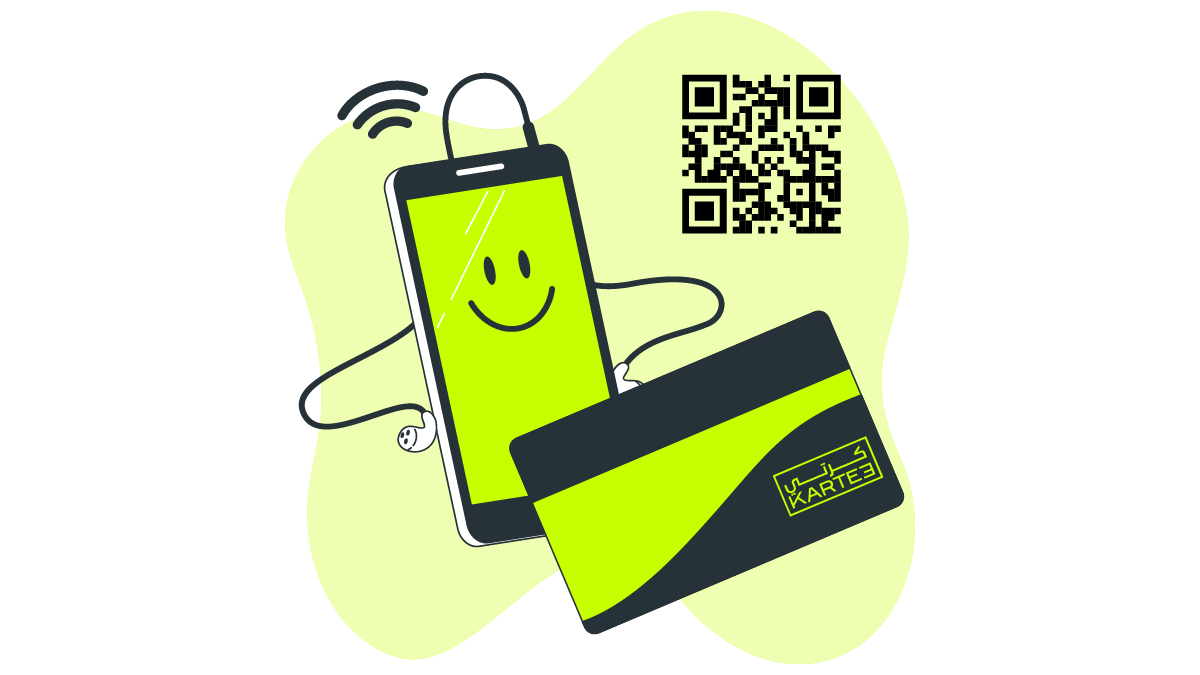
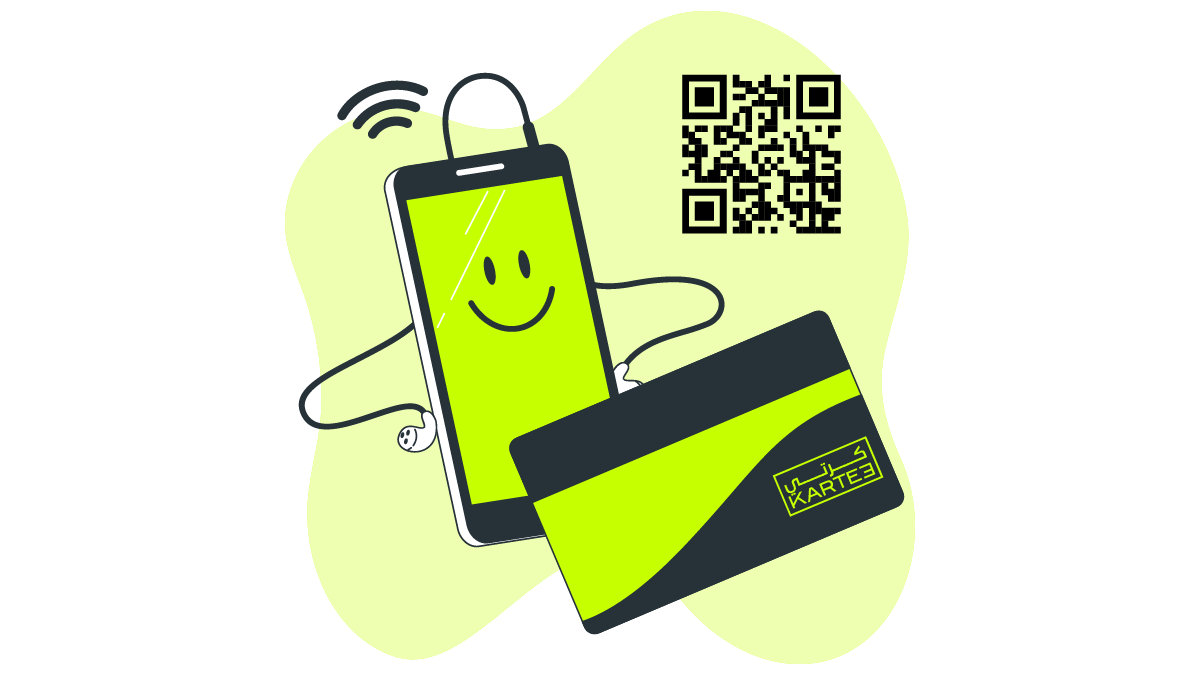
This action directs the phone’s web browser to your live digital profile. Recipients do not need to install an app to access your details. For older phones without NFC, most cards include a printed QR code as a backup, ensuring compatibility with nearly any modern smartphone.
The process is faster than exchanging paper cards and eliminates manual data entry errors. It also removes the need for recipients to photograph a physical card that could be lost.
Your digital profile holds more information than a printed card. Beyond your name and title, you can include:
- A “Save to Contacts” button for one-click saving.
- Links to your website, portfolio, or online store.
- Social media profiles such as LinkedIn or X.
- Embedded videos or appointment booking links.
Because the card only points to a web profile, you can update your information at any time without reprinting. If your phone number or job title changes, you edit the online profile once. Every card you have already distributed will instantly link to the new details.
The Evolution of Contact Sharing
Paper business cards are often lost, become outdated, and consume physical space. A digital card centralizes all your contact information, making it consistently accessible.
Updating your details is a key advantage. If a phone number or job title changes, you edit your digital profile once. Everyone who has the link to your card will see the updated information instantly. This eliminates the cost and delay of reprinting.
Digital business cards also contain more than basic contact information. They include clickable links to your website, social media accounts, or an online portfolio. This provides new contacts with direct access to information about you or your work. Cards can also integrate with email clients and CRM systems to streamline contact capture and organization.
NFC and QR codes enable rapid card sharing. Instead of manual data entry, a person taps their phone on an NFC business card or scans a QR code. Their phone’s browser then opens your contact page directly.
How NFC Business Cards Function
An NFC business card contains a small, unpowered chip. When you tap the card against a compatible smartphone, the chip transmits a web link to the phone, which opens your live digital contact profile.
The profile page displays your name, phone number, email, and other details you choose to share. A recipient can save this information directly to their phone’s address book using a button on the page. Because the card only stores a link, your contact details remain current even if they change. If you update your phone number, you only need to edit your online profile; the card automatically points to the new information.
These cards can also trigger other actions. A tap could open a company website, a portfolio, or a product demo video instead of a contact page.
Security and Privacy
NFC security relies on its short transmission range. A card must be within a few centimeters of a phone to be read, preventing data access from a distance or without your knowledge.
No personal data is stored on the card itself - only a link to your profile. Privacy is controlled in the KARTEE dashboard with field locks, role-based access, and audit logs. KARTEE does not offer password-protected public profiles. Recipients open a live web profile. No app is required.
Benefits of NFC Business Cards
Tap for Instant Contact Exchange
Tap an NFC card on a compatible smartphone to open your digital profile. The recipient can save your details directly to their phone’s contacts. This eliminates manual data entry, reducing errors and saving time compared to a paper card.
A More Effective Exchange
The act of tapping a card is interactive and initiates conversation. A standard paper card exchange is a passive hand-off. The speed of the transfer keeps the focus on the discussion, not on the task of managing a physical card.
Link to Rich Content
An NFC card can point to any URL. You can direct a tap to your company website, a product demo video, your LinkedIn profile, or a project portfolio. This connects a physical object to a deeper set of information that a printed card cannot convey.
Update Information Without Reprinting
When an employee’s phone number or title changes, an administrator updates their profile in the KARTEE dashboard. The change takes effect instantly. The employee’s physical NFC card continues to function but now points to the updated profile, avoiding the cost and waste of reprinting.
Custom Materials and Added Functions
NFC chips can be embedded in various materials, including metal, wood, or recycled plastic. This creates cards that are more durable and visually distinct than standard paper. In KARTEE, the chip stores a link to a live, governed profile - not event-access credentials or a loyalty program.
Enhanced Connectivity and Networking
NFC business cards transform how you exchange contact information. A single tap on a smartphone sends your details directly to the recipient’s device by opening a link to your online profile. The recipient requires no special app for this functionality.
This process replaces searching for paper cards and manually typing names or numbers. It is faster and eliminates the typos that often occur with manual entry or even when scanning a card with an app. Your information is captured accurately.
The shared data can include a phone number, email address, and links to your social media profiles. The recipient’s screen typically displays a button to save these details directly into their phone’s contacts.
Beyond basic information, the card can link to richer content. You can direct people to a portfolio, a company website, case studies, or other professional resources. This provides more context than a simple name and number on a paper card.
This method is effective in busy environments like conferences and trade shows. An exchange takes only a moment, allowing you to establish a connection without interrupting a conversation. The card has no battery and never requires charging. Since your profile is online, you can update your details at any time, and the card instantly points to the new information.
Time and Cost Savings
Traditional business cards incur recurring costs for design, printing, and shipping. This process often takes days or weeks. If an employee’s phone number or job title changes, their entire stock of cards becomes obsolete, necessitating a full reprint.
NFC cards operate on a different cost model. The primary expense is the initial, one-time purchase of the card. All contact information is managed through software. An administrator updates an employee’s profile, and the card instantly links to the new details. No reprinting is required for these types of changes.
You also eliminate the need to carry a stack of cards. A single NFC card can be tapped on countless phones, ensuring you never run out at an event. This removes the logistical overhead of ordering, storing, and distributing paper cards across an organization. One tap shares contact information directly to the recipient’s device.
Sustainability and Environmental Impact
An NFC business card can last for years. A single card replaces the thousands of paper cards typically used once and discarded.
The NFC chip itself has a low environmental impact. It contains no battery and requires no external power. Manufacturing the chip is less resource-intensive than producing more complex consumer electronics.
Reduced Carbon Footprint
The environmental savings stem from eliminating the paper card supply chain. With a reusable digital card, there is no recurring need for paper, ink, or the energy used for printing. This also reduces carbon emissions from shipping boxes of new cards to offices and events.
Networking Without Paper Waste
Instead of exchanging paper at a meeting, contacts are shared with a tap. The information saves directly to a phone. This avoids the waste from paper cards that are collected, become outdated, and are eventually discarded.
The Future of NFC Business Cards
NFC cards will likely integrate more deeply with other software and hardware. One expected feature is the ability to synchronize contact details directly to a phone’s address book, removing the need for manual data entry.
KARTEE NFC cards do not store biometric data. Identity and access stay in the platform: TLS, encryption in transit, RBAC, and PDPL-oriented and GDPR-oriented controls.
What KARTEE ships today
KARTEE NFC opens a live web profile: contact details, media, booking links, and CRM-ready capture. Recipients do not need an app. Wallet passes add Online and Airplane (offline) mode.
KARTEE does not embed biometrics on the card, and it does not use NFC as AR, IoT, event access, or loyalty hardware. Those remain separate systems.
Frequently Asked Questions
What are NFC business cards? An NFC business card is a physical card with an embedded Near Field Communication (NFC) chip. When tapped on a compatible smartphone, the chip wirelessly transmits a link to your live digital contact profile.
How do NFC business cards work? The card contains a passive NFC chip, so it never requires a battery. Tapping the card against an NFC-enabled phone uses the phone’s own field to power the chip just long enough to send a signal. This action directs the phone’s browser to a URL, where the recipient can view and save your contact details.
What are the advantages of using NFC business cards? The primary advantage is speed. A single tap transfers your contact details, eliminating manual data entry. The link is not limited to contact information; it can also open a portfolio, website, or social media profile. Because one card can be used repeatedly, it reduces the waste and cost associated with printing paper cards.
Can NFC business cards be used with any smartphone? No, the card requires a smartphone with a built-in NFC reader. Most recent Android phones and iPhones include NFC support. You can confirm compatibility by checking a phone’s technical specifications. If a device lacks an NFC reader, the tap function will not work.