Introduction
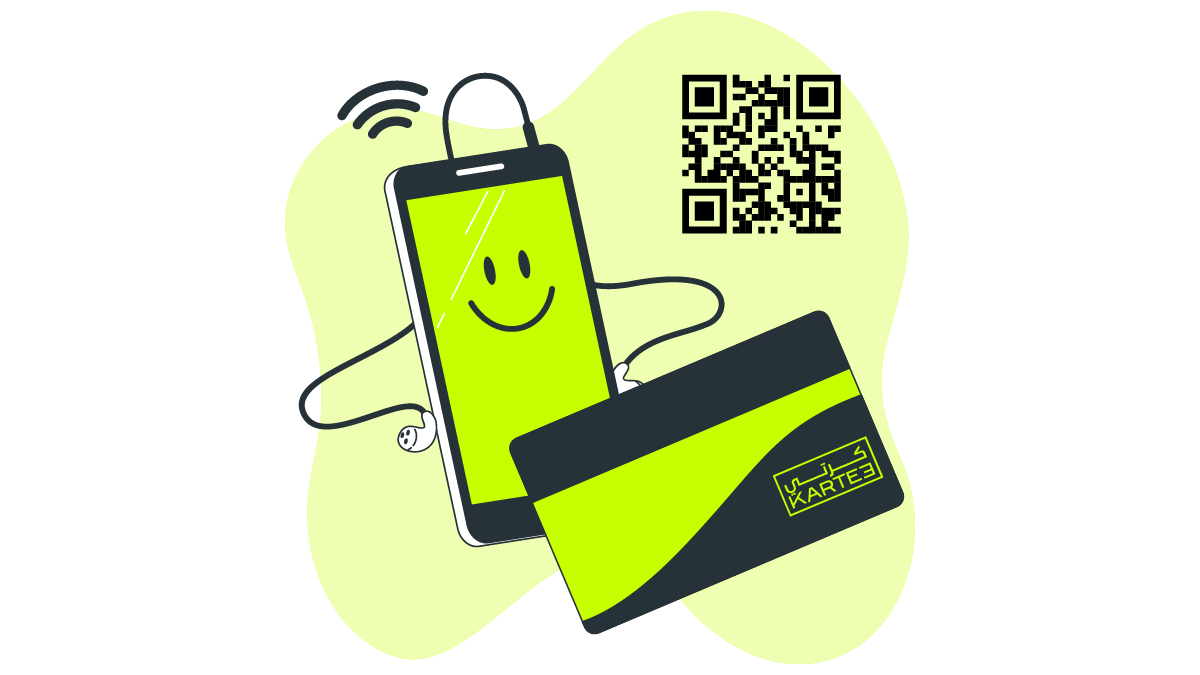
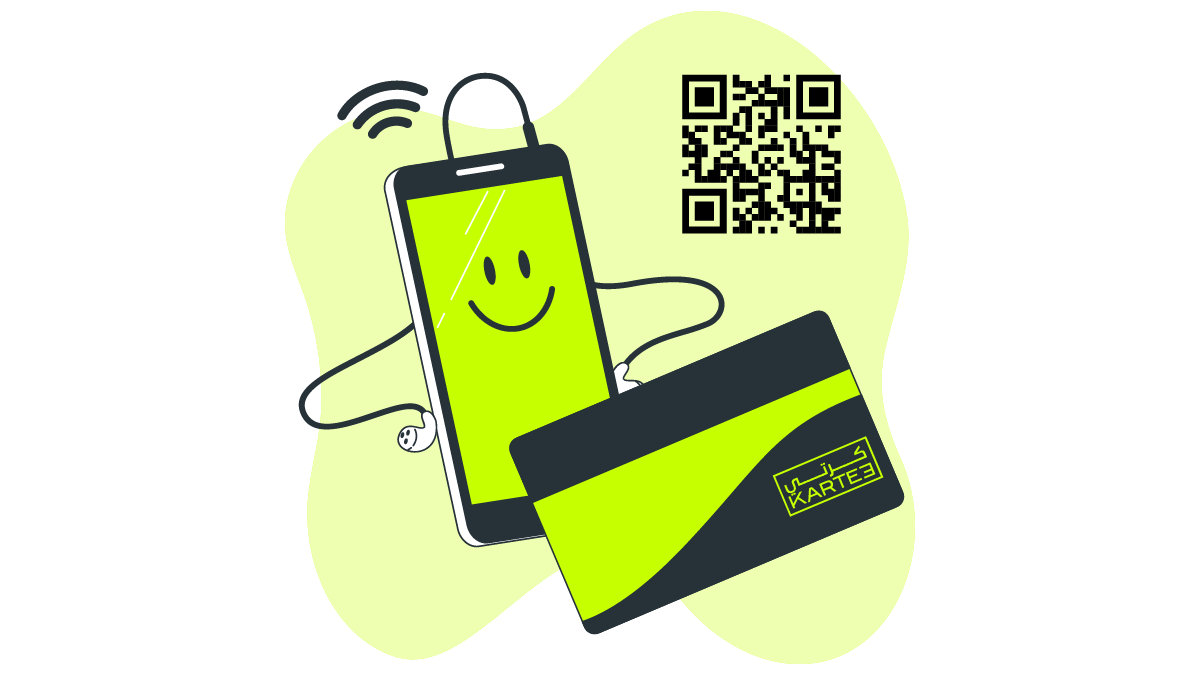
Share your digital business card instantly from any device. Recipients access your profile via a direct link, QR code scan, or NFC tap. Your information appears immediately on their screen.
Contactless networking became a priority during the pandemic. This accelerated the shift from paper to online business cards. Professionals now adopt them for convenience, efficiency, and seamless integration into digital workflows. They also offer a sustainable alternative.
What is a Digital Business Card?
A digital business card is an online profile containing your contact information. It replaces the traditional paper card. Individuals access it by scanning a QR code, tapping an NFC device, or clicking a simple link. The profile displays your name, title, company, and links to professional platforms.
What’s Included in a Digital Business Card?
- Full name and job title
- Company name and logo
- Phone numbers and email address
- Links to your website and social profiles
- Professional headshot or company image
- Custom colors and branding
- A direct button to save your contact information
- Analytics on profile views and interactions
The design is fully customizable. Integrate your brand’s colors and logo to ensure consistency. This creates a professional and interactive experience.
Digital Cards vs. vCards
A vCard (.vcf file) is a standard format for contact information. It functions as a static file without visual design or interactive features. A digital business card elevates this concept. It presents the same information within a customizable, web-based profile.
Most digital cards deliver a vCard file to the recipient’s device. However, they enhance the experience by wrapping it in a dynamic presentation. Instead of a plain file, you share a link or QR code. This opens a branded page that displays contact data and offers a professional interface.
A digital card functions as a visual layer built upon a vCard file. It combines raw contact data with an interactive webpage presentation. A vCard provides only the data; the digital card delivers the complete experience.
Types of Digital Business Cards
Offline (Static) Digital Business Cards
A static digital card is a QR code that directly embeds a vCard contact file. When scanned, the recipient’s phone prompts them to save the contact. This exchange occurs instantly and functions without an internet connection. However, the information is fixed. Any changes, such as a new phone number, require generating a new QR code. This format also lacks analytics and offers limited branding options.
Online (Dynamic) Digital Business Cards
A dynamic card is an online profile shared via a link or QR code. As a web-based page, you can update your contact details in real time. Your information remains current across all shared instances. This format provides analytics on profile views, clicks, and saves. It supports branding and integrates with business systems like CRMs. Dynamic cards are ideal for large organizations or professionals with evolving roles.
Sharing Methods
NFC (Near Field Communication)
Tap an NFC business card, ring, or badge against a compatible smartphone. The device instantly opens your profile.
How it works:
- An NFC chip is embedded in the physical item.
- Tapping it against a phone initiates the profile display.
Benefits:
- Delivers information with a single, immediate tap.
- Requires no app download for the recipient.
- The physical item is durable and reusable.
Limitations:
- Requires carrying the physical NFC item.
- Older phones may not support NFC.
QR Codes
A QR code is a scannable link that directs to your digital profile or contact file. You can embed it in a digital pass or print it on physical materials. The code functions across most mobile devices.
Where QR codes can be used:
- Apple/Google Wallet: Embed the code as a digital pass for quick access.
- Email Signatures: Integrate the code directly into your corporate signature block.
- Printed Materials: Apply to brochures, flyers, or traditional business cards.
- Presentation Slides: Enable audiences to scan directly from the screen.
- Meeting Backgrounds: Display your profile QR on Zoom, Microsoft Teams, and Google Meet.
Scanning typically works with the standard camera application on most smartphones.
URL Sharing
Every profile possesses a unique, direct URL. You can paste this link into emails, text messages, or social media posts. It represents the most universal sharing method, compatible with any device.
Common uses:
- Add to your LinkedIn profile or bio.
- Use in Slack or Microsoft Teams profiles.
- Link from digital portfolios.
- Share via SMS and email.
- Embed in social media direct messages.
Key Benefits of Digital Business Cards
Up-to-Date Contact Information
Update your phone number, email, or job title once. The change applies instantly to every card you have shared. This eliminates the need for reprints.
Eliminates Printing Costs
Employee promotions or role changes traditionally necessitate new business card orders, incurring design, printing, and shipping expenses. Digital cards eliminate these recurring costs entirely.
Instant Sharing
Share your contact information with a single tap or scan. Whether connecting in person or sending a link remotely, the exchange is immediate.
Centralized Brand and Design Control
Marketing teams enforce a single brand template. This template applies the official logo and brand colors to every card, ensuring consistent, professional design across the organization.
Trackable Engagement
Platforms provide analytics detailing:
- The number of profile views.
- Which links received the most clicks.
- Saves and downloads of your contact file.
These metrics offer sales and marketing teams direct feedback on outreach effectiveness.
Integrations with Business Software
New contacts automatically push to your existing business systems. Many digital card services integrate with leading CRMs, including:
- Salesforce
- HubSpot
- Zoho
- Pipedrive
- Monday.com
- Microsoft Dynamics 365
This connectivity automates contact management and reduces manual data entry.
Reduced Environmental Impact
Digital cards require no physical production. This conserves paper and water while reducing emissions from printing and shipping. It offers a tangible method for businesses to decrease waste.
Sustainability & Environmental Benefits
Transitioning to digital cards prevents waste associated with paper production and disposal. This represents a direct environmental impact.
- Reduces waste generation.
- Minimizes deforestation.
- Lowers carbon footprint.
The shift from paper offers clear environmental advantages. By 2025, KARTEE facilitated the elimination of over 100 million business cards. This initiative saved more than 10,000 trees, conserved 200 million liters of water, and cut 37,216,000 kg of carbon emissions.
These environmental savings support a company’s ESG reporting and compliance objectives.
Use Cases
Digital business cards are deployed across diverse industries and professional roles.
- Sales & Business Development: Accelerates follow-ups and enables full tracking.
- Recruiters & HR: Facilitates connections with candidates at events or online.
- Founders: Shares profiles with investors during pitches.
- Speakers & Attendees: Adds a QR code to presentations or event badges.
- Government & Enterprise: Supports corporate ESG goals and enhances directory alignment.
Why Companies Are Making the Switch
Modern Brand Perception
Adopting digital business cards signals a company’s commitment to technological advancement. This perception influences how potential clients and partners view your brand’s innovation.
ESG Compliance
Moving away from paper cards constitutes a measurable step toward corporate sustainability goals. For many organizations, this forms part of public ESG reporting. It represents a straightforward, visible change.
Lower Operational Cost
Printing and shipping paper cards are recurring expenses for many companies, appearing with every new hire or title change. Going digital removes this expense from the budget, yielding direct and measurable savings.
Post-Pandemic Digital Shift
Physical cards became impractical as work shifted to hybrid and remote models. Distributed teams met less frequently. Companies required a method for contact sharing that functioned from any location, independent of physical interaction.
FAQ Section
Are digital business cards secure? You control all information on your digital card, ensuring its security. Reputable platforms enhance this by employing HTTPS encryption and robust access controls. KARTEE implements TLS, GUID links, RBAC, encryption in transit, and PDPL-oriented controls.
Do recipients need an app to view my card? No, recipients do not need an app. Most digital cards are web-based. They open in a browser when someone scans your code or taps your card. KARTEE provides an intuitive web application for managing your profile.
Can I track scans and clicks on my digital business card? Yes. KARTEE analytics cover QR scans, link clicks, and contact-save actions. They do not identify the individual who opened the profile.
Are they superior to LinkedIn? They serve distinct purposes. A digital card facilitates immediate contact information exchange, similar to a traditional paper card. LinkedIn functions as a professional network for career development and industry connections. Most professionals link their LinkedIn profile on their digital card.
Can I use one card for multiple roles or businesses? Yes. You can create and manage multiple profiles within a single account. This capability benefits consultants, freelancers, or executives serving on various boards.
Conclusion
Digital business cards are now a standard professional tool. They empower professionals to operate more efficiently and reduce waste. Expect deeper integration with existing tools, including CRMs, business applications, and smart devices.