KARTEE
B2B Lead Capture& Smart Mini-CRM
Transform every in-person interaction into a governed, CRM-ready lead. Ensure no high-value contact is lost, from first handshake to pipeline.


High-Value Event Leads Are Lost in Scattered Notes and Paper Cards
Relying on physical business cards, quick chat notes, or manual phone entries after trade shows leads to delayed follow-ups and lost sales revenue.
After major industry conferences, executive dinners, or field sales meetings, business contacts end up fragmented across personal WhatsApp chats, paper cards stuffed into pockets, or forgotten smartphone notes.
Without a structured, immediate way to capture lead details on the spot, sales teams lose critical context. Days or weeks pass before leads are entered into the corporate CRM, resulting in cold prospects, poor attribution, and wasted event ROI.
Frictionless Contact Capture with an Embedded Mini-CRM Engine
Capture inbound prospect data instantly at the point of interaction, serving as a clean, governed gateway to your enterprise CRM.
Flexible Exchange Controls
Toggle between full two-way contact exchange or "save-only" options managed centrally by administrators.
Lightweight Mini-CRM Inbox
Tag leads, record meeting context, assign lead statuses, and set follow-up tasks directly on mobile.
AI Lead Enrichment & Summaries
Automatically clean incoming contact entries, enrich company profiles, and summarize meeting notes.
Native Enterprise CRM Connectors
Direct, automated sync with HubSpot, Salesforce, Zoho, Pipedrive, Monday.com, and Microsoft Dynamics 365.
Owner & Territory Mapping
Automatically route captured leads to the right account executive based on organizational rules.
Real-Time Event Analytics
Track lead capture volumes, top-performing representatives, and event interaction rates in one dashboard.
How Contact Capture and CRM Sync Work
Capture, enrich, and route event leads in four simple steps.
Tap or Scan to Connect
Prospects scan your team member's NFC card, dynamic QR code, or Wallet pass to open the public profile.
Choose Connection Mode
Prospects either submit their details (name, email, phone, company, note) in exchange for your vCard, or save your card directly.
Enrich in Mini-CRM
Sales reps add meeting tags, voice notes, and follow-up deadlines, leveraging AI for contact enrichment and summaries inside the mobile KARTEE inbox.
Push to Enterprise CRM
Verified leads instantly sync to your corporate CRM system with correct owner mapping and source tracking.
Who Uses Lead Capture & Mini-CRM?
Engineered for field sales reps, event teams, revenue operations, and recruiters.
Field Sales & BD Teams
Capture structured lead data during in-person client visits and instantly populate active sales pipelines.
Trade Show & Conference Delegates
Collect hundreds of qualified event contacts rapidly without managing stacks of paper cards.
Revenue Operations (RevOps)
Ensure zero lead leakage and enforce standardized lead source attribution from offline events.
Recruiters & Talent Acquisition
Capture candidate details, resumes, and interview notes directly at job fairs and networking events.
Executive Leadership & Founders
Track networking ROI and ensure high-value executive introductions transition smoothly to account teams.
SMEs & Growing Agencies
Manage lead follow-ups within the built-in Mini-CRM without needing complex external software upfront.
B2B Lead Capture & Mini-CRM FAQ
Answers to common questions about capturing contacts and syncing lead data with KARTEE.
Is the KARTEE Mini-CRM designed to replace platforms like Salesforce or HubSpot?
No. The KARTEE Mini-CRM is a lightweight, mobile-first staging inbox designed specifically for capturing, tagging, and organizing contacts you meet in real life. It acts as an agile bridge, feeding verified lead data into your primary corporate CRM where your main sales pipeline lives.
What happens if a prospect does not want to share their contact details back?
The platform supports flexible interaction modes. If a prospect prefers not to fill out a contact form, they can select the "Add Only" option to download your team member's digital card directly to their phone without submitting their own details.
Which corporate CRM platforms does KARTEE natively integrate with?
KARTEE provides direct, bi-directional sync and API connectors for major CRM systems, including HubSpot, Salesforce, Zoho CRM, Pipedrive, Monday.com, and Microsoft Dynamics 365. Custom webhook integrations are also available for enterprise setups.
Who owns and has access to the contacts captured by employees?
All captured contacts are securely stored under the enterprise account tied to the employee's profile. Company administrators maintain full ownership and visibility over captured leads, controlling permission levels, export rights, and CRM routing rules.
Can sales reps capture contacts while offline at events with poor cellular connectivity?
Yes. Contact forms and paper card scans captured in offline mode are stored securely on the device's local storage and automatically sync to the KARTEE Mini-CRM and your connected CRM once internet access is restored.
How does AI enrichment improve captured lead data?
The built-in AI assistant cleans up mistyped names or emails, formats phone numbers to international standards, extracts key details from free-text notes, and enriches lead profiles with public company information prior to CRM export.
Can we customize the contact exchange fields for different events or teams?
Yes. Enterprise admins can customize lead capture form fields - adding custom dropdowns, qualification questions, project timelines, or mandatory fields tailored to specific trade shows or department workflows.
Part of the same platform
Every channel points to one brand-controlled identity.
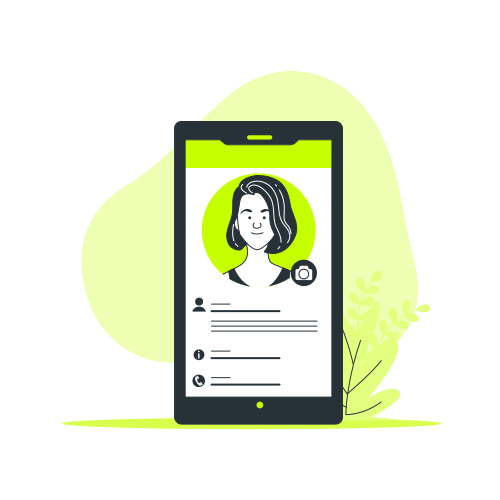
Live Digital
Business CardBrand-controlled public identity - share instantly via link, QR, or NFC. Recipients need zero apps.
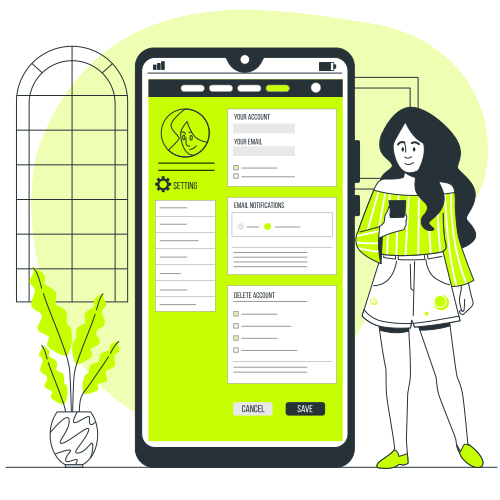
Link-in-Bio
HubTurn social and digital profiles into high-converting mobile landing pages for products and services.

Apple & Google
WalletNative Wallet passes for effortless online and Airplane (offline) sharing, always linked to the live profile.

Corporate Email
SignaturesHTML signatures locked to the live profile, turning every outbound email into a lead-capture surface.
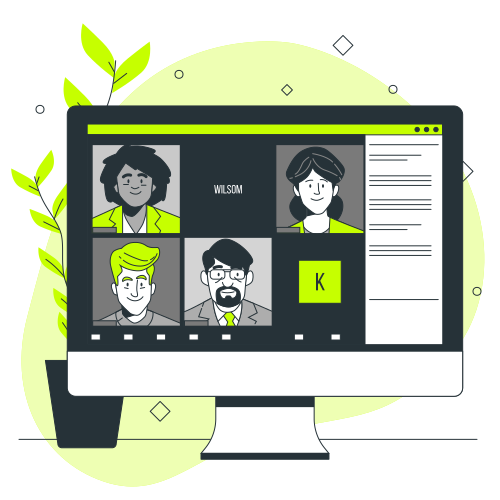
Meeting
BackgroundsQR overlays for Zoom, Microsoft Teams, and Google Meet that enable instant 2-way contact exchange.
Lead Capture
& CRM IntegrationTwo-way contact exchange, paper-card scanning, mini-CRM, and direct connectors to your corporate CRM.
AI Paper
Card ScannerPhotograph a paper card in the web app. Vision AI extracts contacts for human review and syncs to your Mini-CRM.
Campaign QR
GeneratorStatic and dynamic codes with smart rules, scan analytics, and destinations you control for enterprise campaigns.
NFC Business
CardsTap a physical card to open a live profile - no app for the recipient, always up to date.

Industry Profile
ModulesTailored profile sections and workflows for healthcare, hospitality, education, government, and enterprise.

Enterprise
InfrastructureMulti-entity branding, custom domains, SSO, directory sync, field locks, and first-class Arabic RTL.

ESG
DashboardTrack estimated paper, water, and CO₂ saved; a tree funded for every physical NFC card ordered.
Resources & Insights
Best practices for event lead capture, digital business cards, and CRM integration.
What is an NFC Business Card? The 2026 Guide to Smart Networking
An NFC business card shares a live profile with a tap. Recipients need no app. KARTEE pairs optional NFC with QR and Wallet in Online and Airplane (offline) mode, and captures contacts for CRM.

The Hidden Environmental Cost of Business Cards: A Powerful ESG Analysis for B2B Leaders
Why paper business cards show up in ESG and paper-avoided estimates. KARTEE dashboard tracks directional paper, water, and CO2, not audited carbon accounting.
What is a Digital Business Card? | The Essential 2026 Guide to Paperless Contact Sharing
A digital business card is a live profile shared by QR, Wallet, link, or optional NFC. Recipients need no app. KARTEE adds governed identity and CRM capture for Salesforce, HubSpot, Zoho, Pipedrive, Monday.com, and Dynamics 365.
Ready to deploy KARTEE across your organization?
Tell us about your team. We’ll map digital profiles, Wallet, signatures, and CRM capture to how you actually work - then show a rollout that stays on-brand.